
1. Check the Correct Client and Consultation
Before entering or reviewing information, confirm that the correct client record and consultation are open.
If you are unsure, return to the client’s record and reopen the consultation you want to continue.
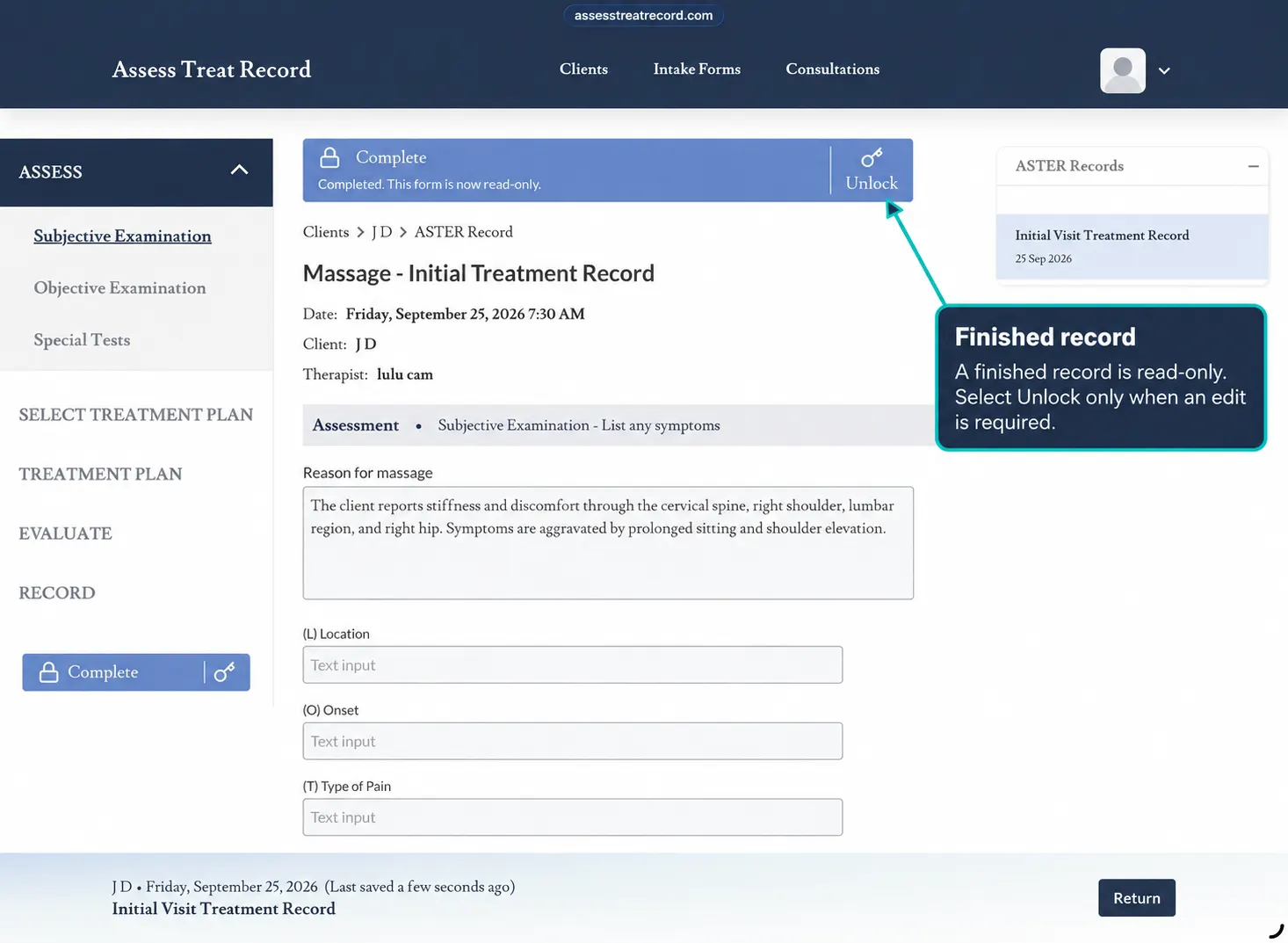
2. Allow the Page to Finish Responding
After entering or selecting information, allow the page a moment to respond before immediately moving to another section.
If something appears not to have saved, remain on the consultation briefly and check whether the information appears as expected.
3. Reopen the Section
If you are unsure whether information was retained, return to the relevant section and check the recorded information.
Avoid re-entering the same information until you have confirmed whether it is already present.
4. If Navigation Is Not Responding
If a consultation section does not open or respond as expected, try returning to the client record and reopening the consultation.
Then navigate back to the section you were working in.
5. Refresh the Page if Needed
If the page is still not responding as expected, refresh the page and reopen the correct client consultation.
After refreshing, check the consultation before entering information again.
Important: do not refresh the page while you are actively dictating or entering unsaved information.
6. Check Your Internet Connection
If the application is slow to respond or sections are not loading as expected, check that your internet connection is working normally.
An unstable connection may affect how a web-based application responds.
7. Avoid Entering the Same Information Twice
If you are unsure whether something has saved, first check the relevant section before entering it again.
Check Before Re-entering
Review the existing consultation information first to help avoid duplicate notes or selections.
8. If You Are Unsure Where to Continue
Use the consultation navigation to return to the section you were last working on and review the information already recorded.
Continue from the appropriate point rather than starting a new consultation unnecessarily.