
1. Start With the Client’s First Name
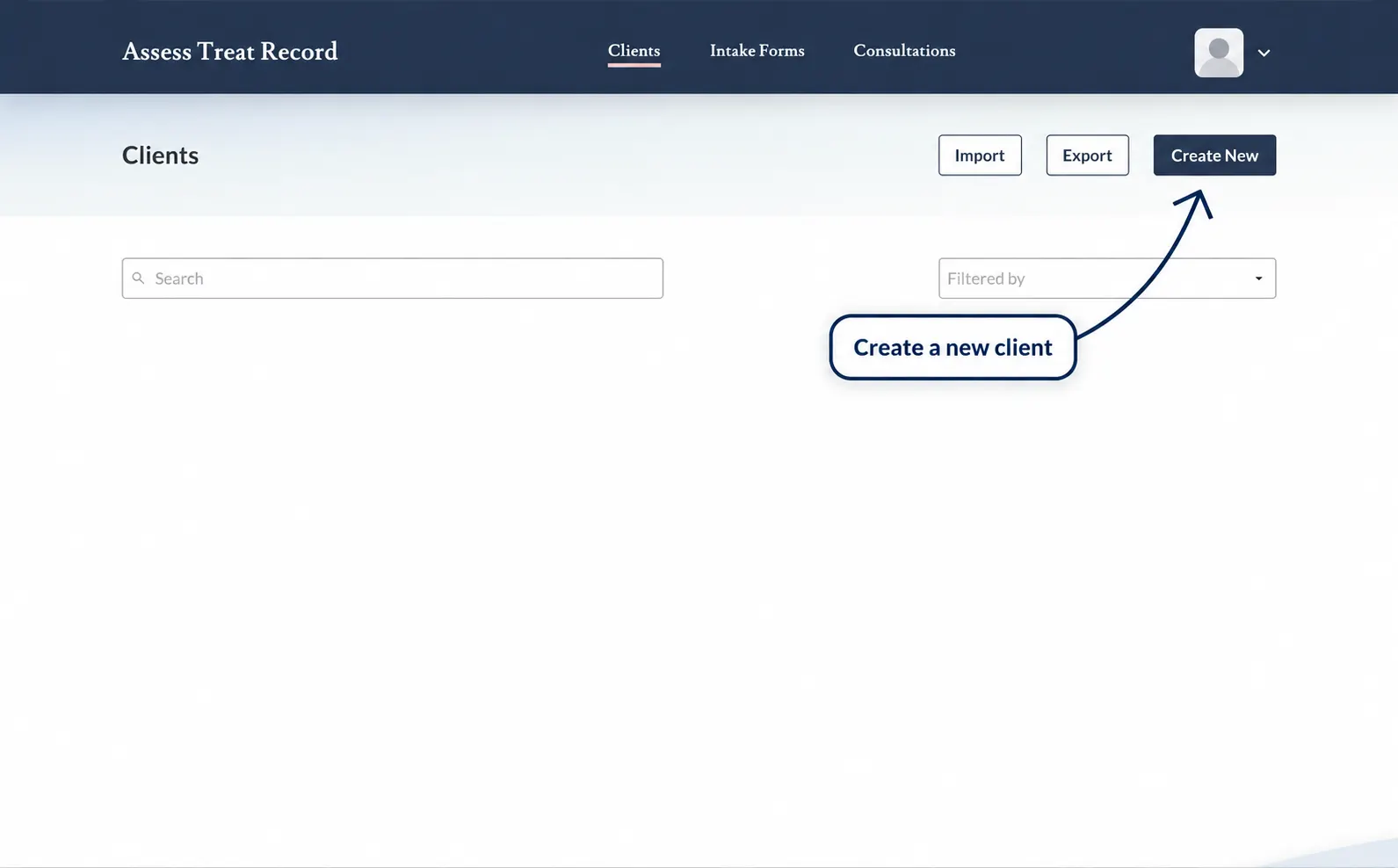
Open the Clients area and select the client search field.
Instead of typing the client’s full name, start by entering only their first name.
2. Try the First Few Letters
If the client’s record still does not appear, type only the first few letters of their first name.
Example: for a client named Samantha, try entering “Sam” rather than the full name. This is only an example, not an actual client record.
3. Press Enter
After typing the first name or first few letters, press Enter on your keyboard to run the search.
This can be more reliable than typing the client’s full name or selecting the full name directly from the search suggestions.
Quick Tip
Try: first name or first few letters → press Enter.
4. Avoid Relying Only on the Full Name Suggestion
If you type the client’s full name or select their full name from the search suggestions and their records do not appear, this may sometimes happen — try the shorter search method instead.
Return to the search field, enter the first few letters of the client’s first name, then press Enter.
5. Check the Search Results
Review the results and select the correct client record.
Confirm the client’s details before opening or editing their record, particularly where clients have similar names.
6. Still Can’t Find the Client?
If the client still does not appear, try these checks:
Check the spelling of the client’s name
Try fewer letters
Search using only the first name
Press Enter after entering the search text
Clear the search field and try again
If the client cannot be located after these checks, confirm whether a client record was previously created for them.
Avoid Duplicate Client Records
Before creating a new client, try the shorter search method first to make sure an existing client record has not simply been missed in the search results.
This is important because creating another record for an existing client may result in duplicate client records.
Search Tip Summary
Clients → Enter first name or first few letters → Press Enter → Review results → Open client