
1. Select Start Your 14-Day Free Trial
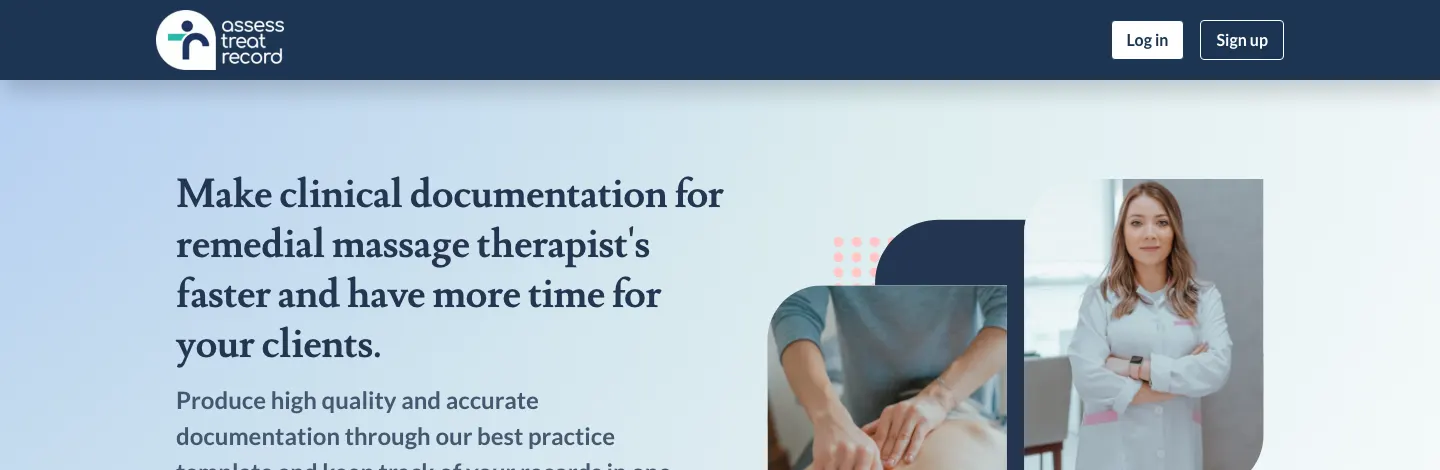
From the Assess Treat Record website, select “Start Your 14-Day Free Trial.”
Screenshot: Start Your 14-Day Free Trial button
Step 2 — Enter Your Email
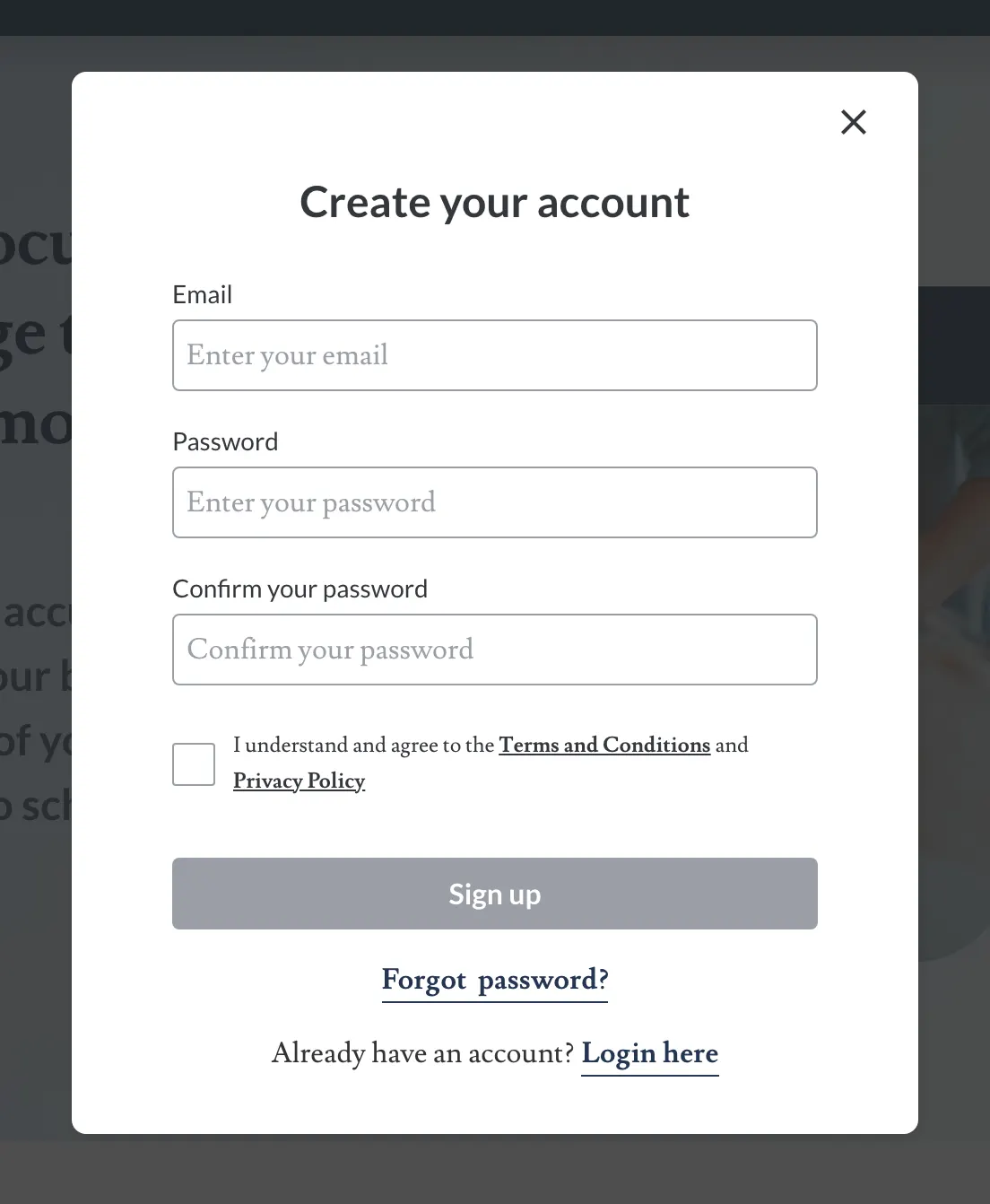
Enter the email address you want to use for your Assess Treat Record account.
Use the field labeled Email, with the placeholder text “Enter your email.”
Assess Treat Record account creation
Step 3 — Create Your Password
Enter your password in the field labeled Password, with the placeholder text “Enter your password.”
Then enter it again in the field labeled Confirm your password, with the placeholder text “Confirm your password.”
Both password entries must match before completing registration.
Step 4 — Agree to the Terms and Privacy Policy
Select the checkbox confirming: “I understand and agree to the Terms and Conditions and Privacy Policy.”
Step 5 — Select Sign Up
Once your information has been entered and the agreement checkbox selected, choose “Sign up” to create your account.
Already registered?
Select Login here if you already have an Assess Treat Record account.
Forgot your password?
Use the Forgot password? link to begin the existing password-recovery process.